All features
Images Studio
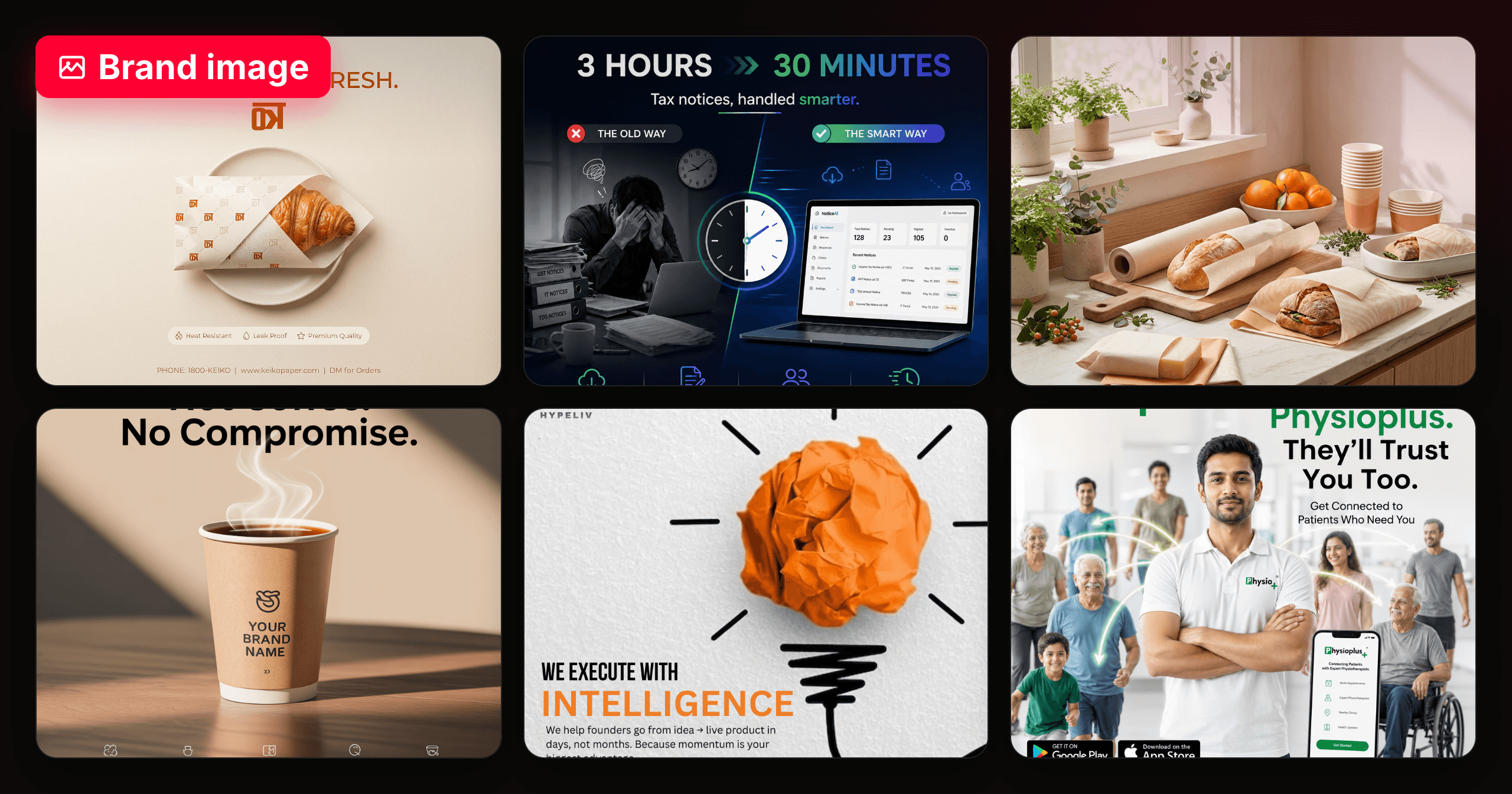
Describe the shot. Get the post.
A brief box, your references, and a finished image that already looks like your brand — captioned and ready to publish.
- Ratios
- 1:1 · 4:5 · 9:16 · 16:9
- Carousels
- 2–6 slides
- Quality
- Four tiers
- Captions
- Included, free
How it looks
One brief. Eight art directions.
Pick a look from the vibe library and the whole render follows it — subject, light and finish together. Or leave it on Auto and let the model choose.
 Auto
Auto Cinematic
 Editorial
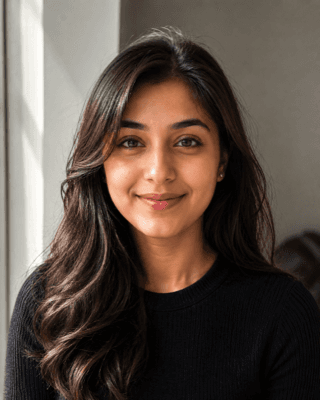 Real candid
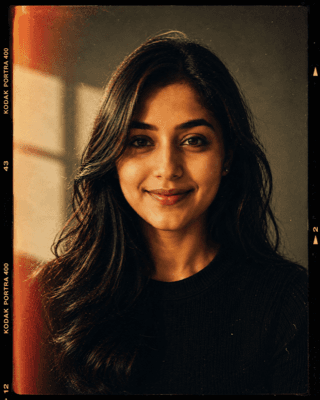 Retro film
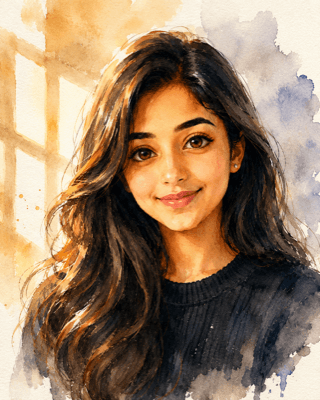 Watercolour
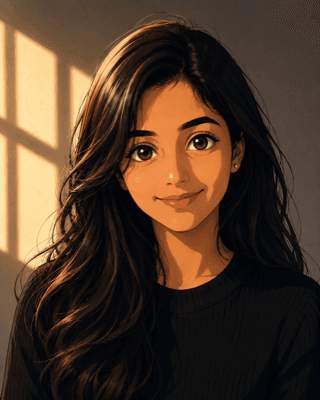 Anime
Anime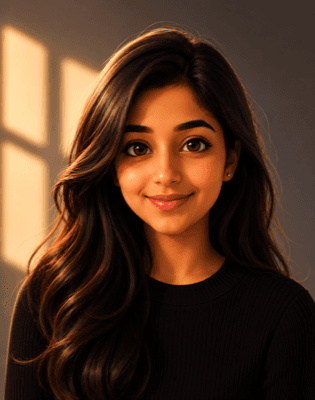 Animated 3D
How it works
Three steps. No design tool.
Say what you want
One brief box, plain words. Choose an art direction or leave it on auto.
Point at your references
Attach images and tag what each one is: the product to build around, a look to match, or a character to keep exact. Each role steers the render differently — your product stays your product.
Caption and publish
Captions are written per platform as the image lands, free and re-runnable. Publish to Instagram, LinkedIn or YouTube without leaving the page.