Queue it once. It goes out without you.
One calendar for everything you've made and everything the team has delivered. Set the day, the time and the platforms — the publisher does the rest.
Posting needs a connected account: LinkedIn and YouTube today, with Instagram rolling out while Meta's approval is pending. A LinkedIn post can go out as you or as a company Page, and a carousel goes out as one album post rather than a run of separate images.
Times come from a set of preset slots rather than an AI send-time guess, so you always know when a post will go out. If a publish fails, the calendar tells you instead of going quiet.
Updated
- Views
- Month · Agenda · Year
- Publishes to
- LinkedIn · YouTube · Instagram rolling out
- Checks
- Every minute
- Carousels
- One album post
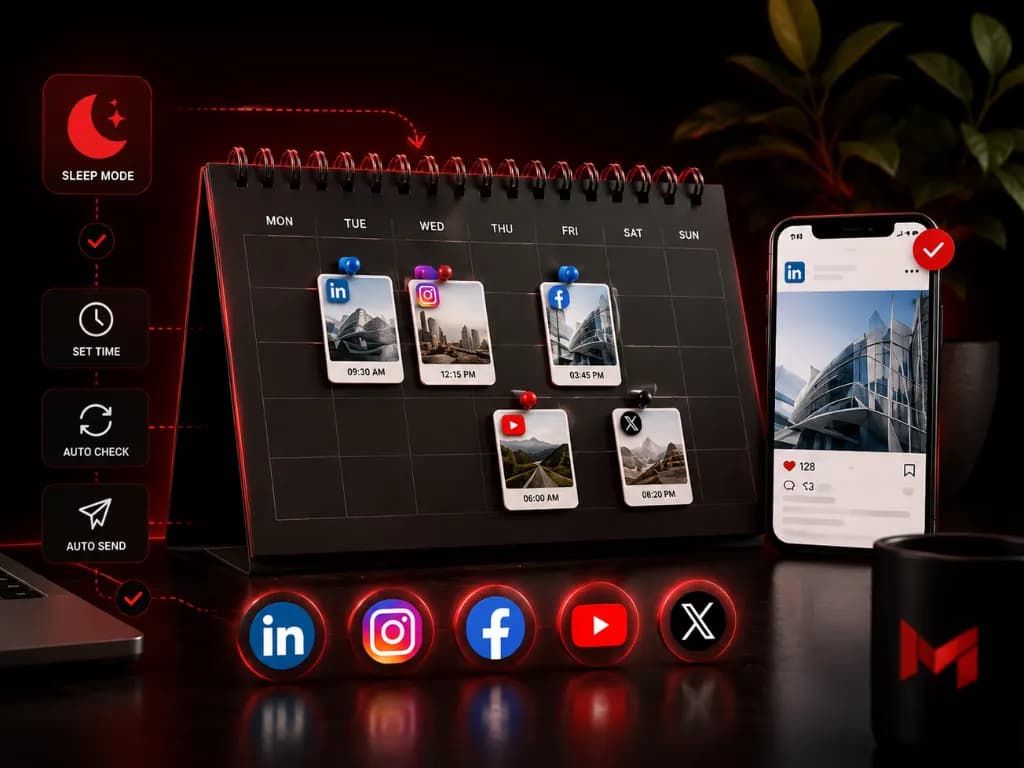
Can Momentum post for you while you're offline?
Yes. Once a post is queued, a publisher checks every minute and posts on time whether or not your tab is open, and it tells you if something fails.
Pick a day, pick the work
Open any date and choose from everything you've generated and everything the team has delivered — one picker, no hunting through folders.
Set the platform detail
A LinkedIn post can go out as you or as a company Page; a YouTube upload takes its own title and description. Set it here, once.
Walk away
A publisher checks every minute and posts on time whether or not the tab is open. If something fails, it says so instead of going quiet.